This post will help you to convert characterset of database from WE8ISO8859P15 to AL32UTF8 in 12C. From 12c you will need to use DMU tool for characterset conversion instead of traditional method of CSSCAN & CSALTER. DMU is the Database Migration Assistant for Unicode . It converts the NLS_CHARACTERSET of an existing database to AL32UTF8 or UTF8.
DMU divides coversion into 4 steps:
1. Install DMU repository.
2. Scan the database.
3. Resolve the migration issues.
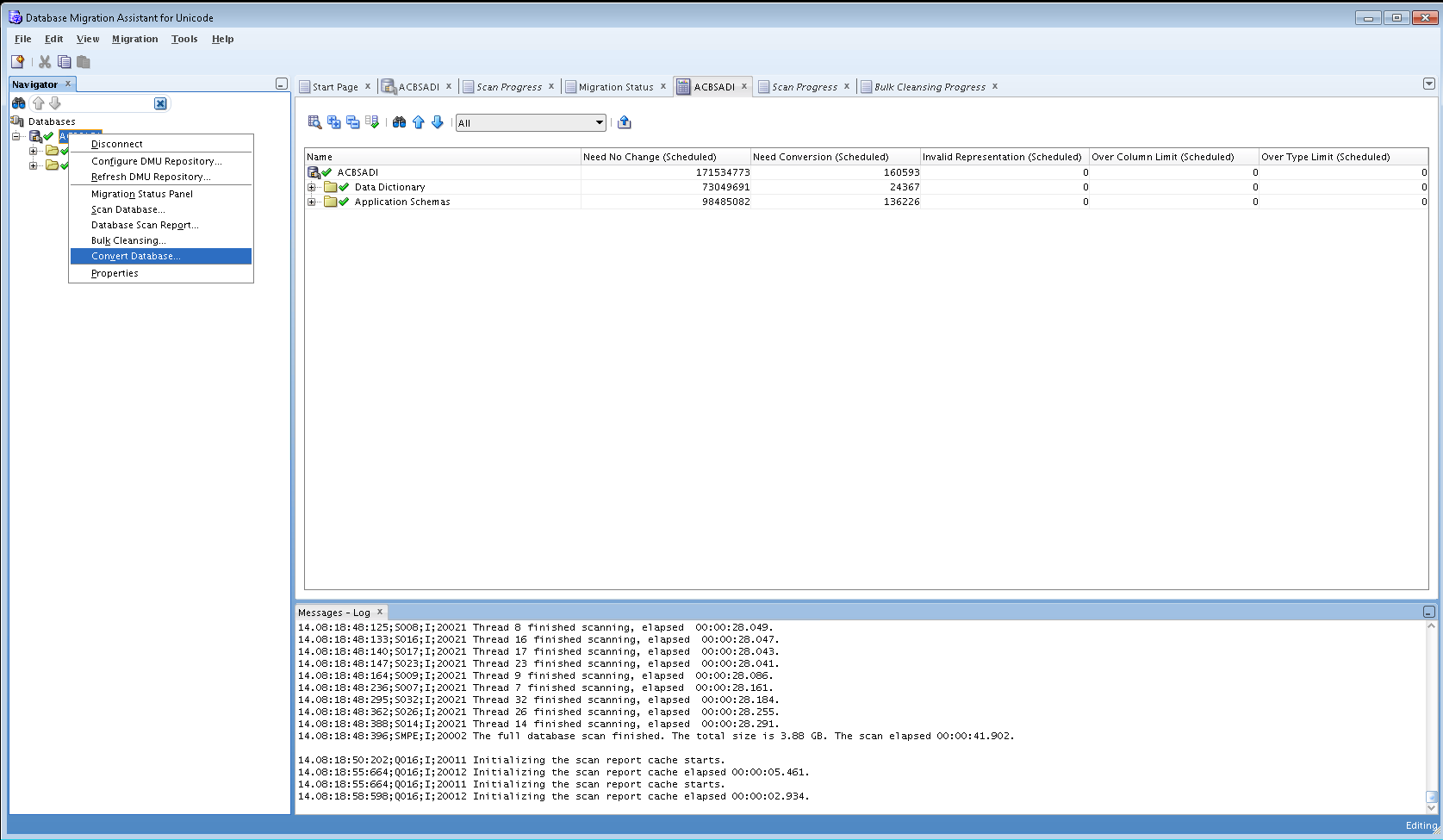
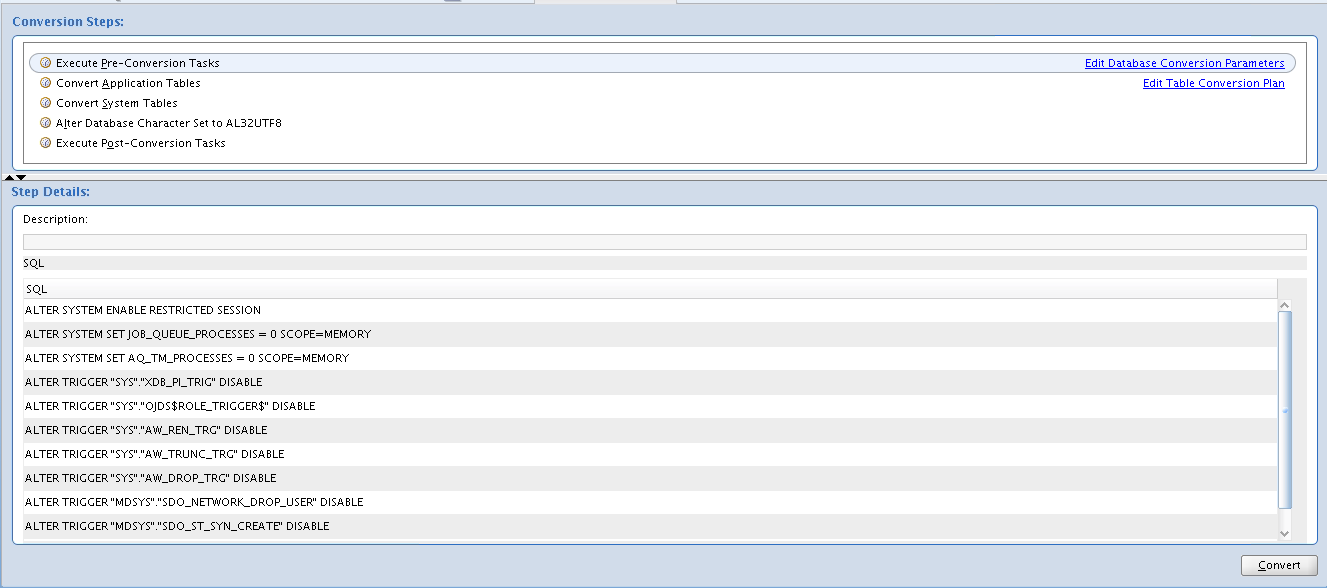
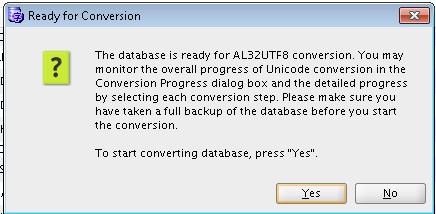
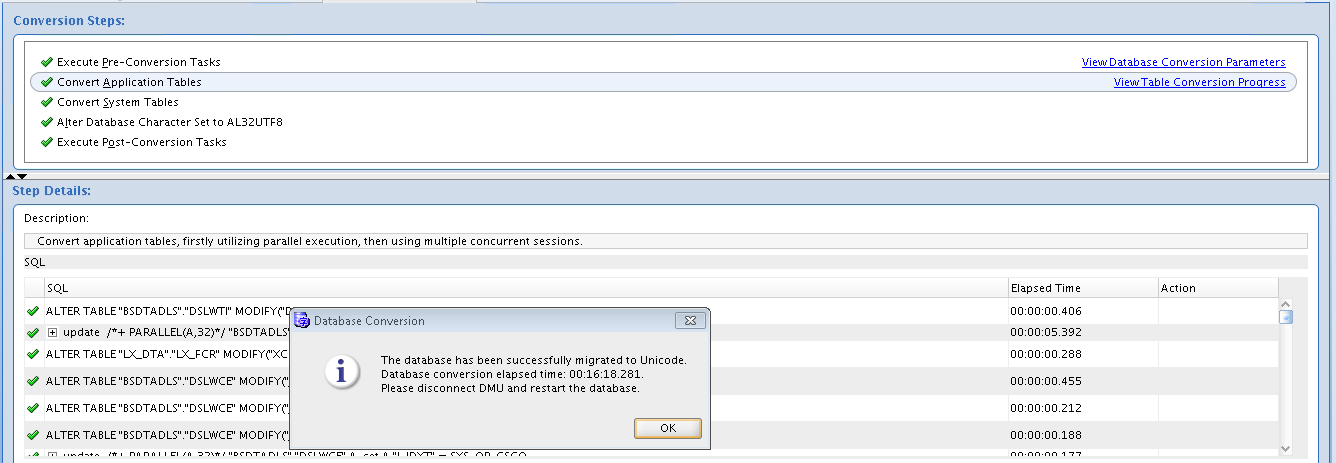
4. Convert the database.
Once DMU is started, you will need to create database connection as given below:


So as to make use of DMU, you need to create DBMS_DUMA_INTERNAL package under SYS schema. For creating mentioned package, you need to run following script.
?/rdbms/admin/prvtdumi.plb
If not you will get following error:
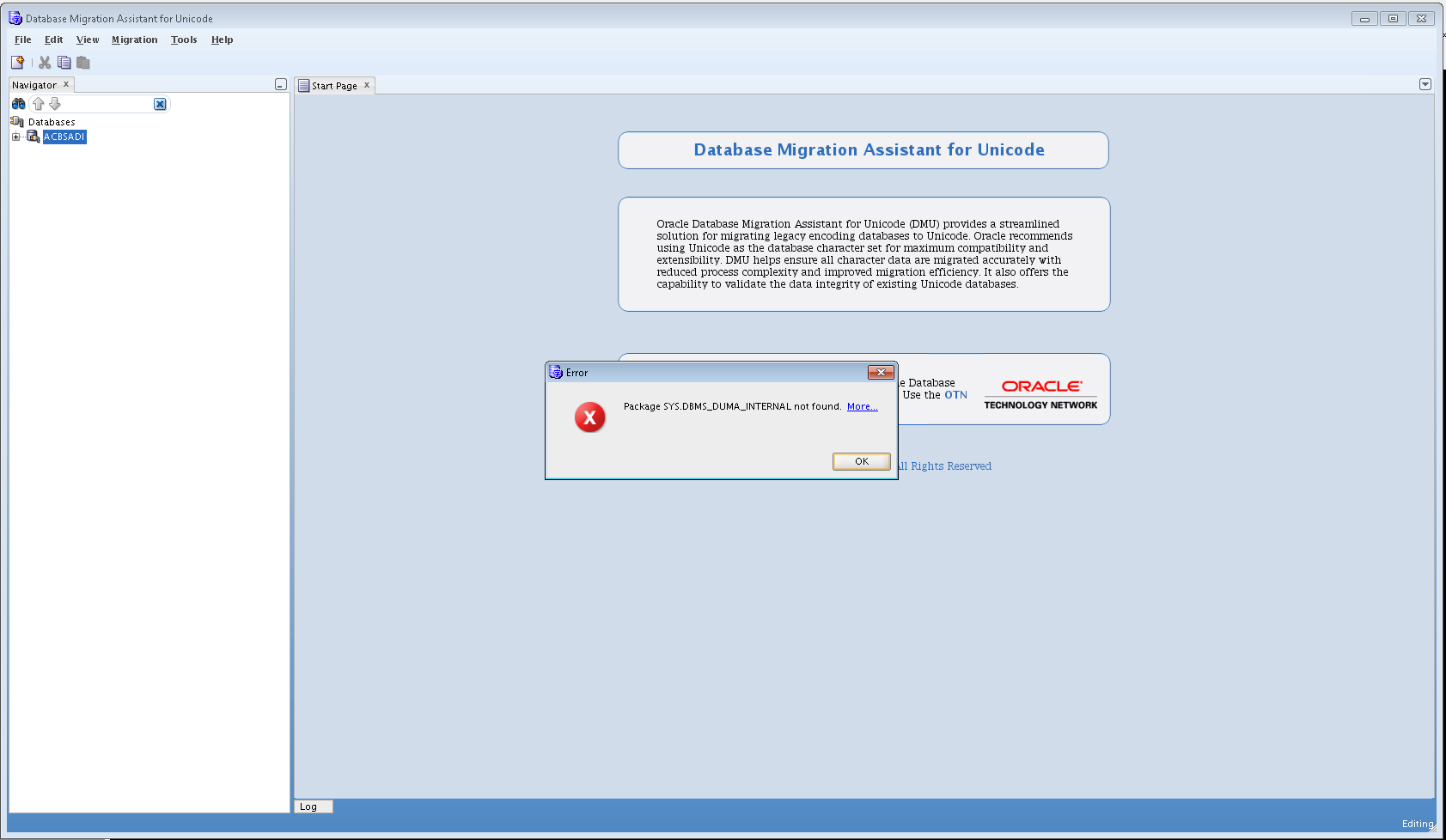
Then you can complete DMU repository creation:

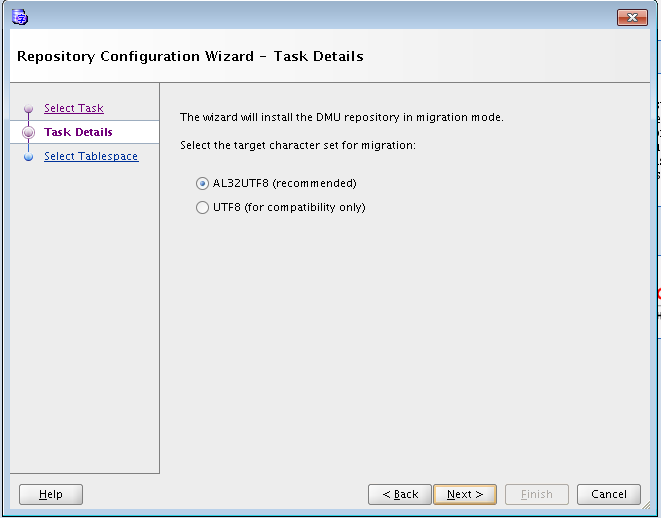
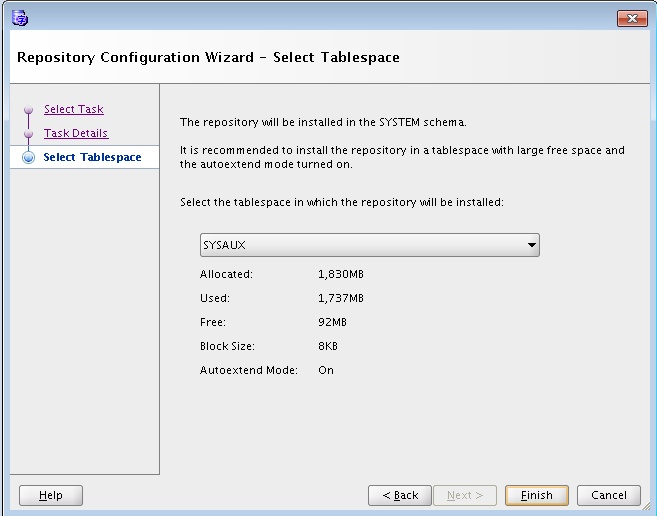
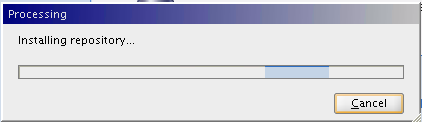
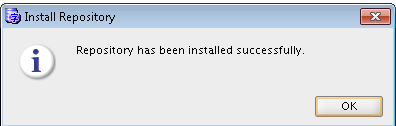
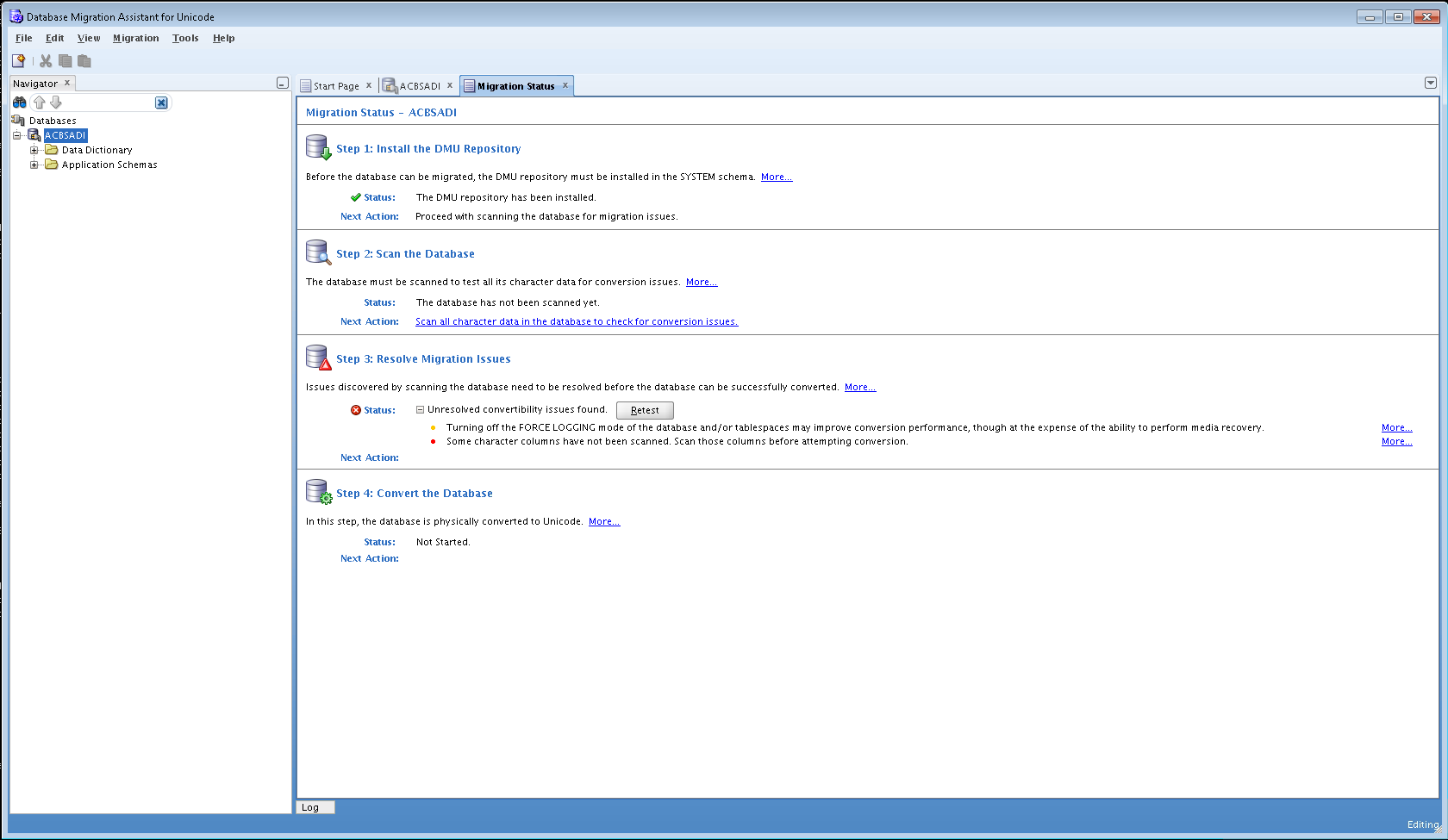
Now your database is ready for SCAN:


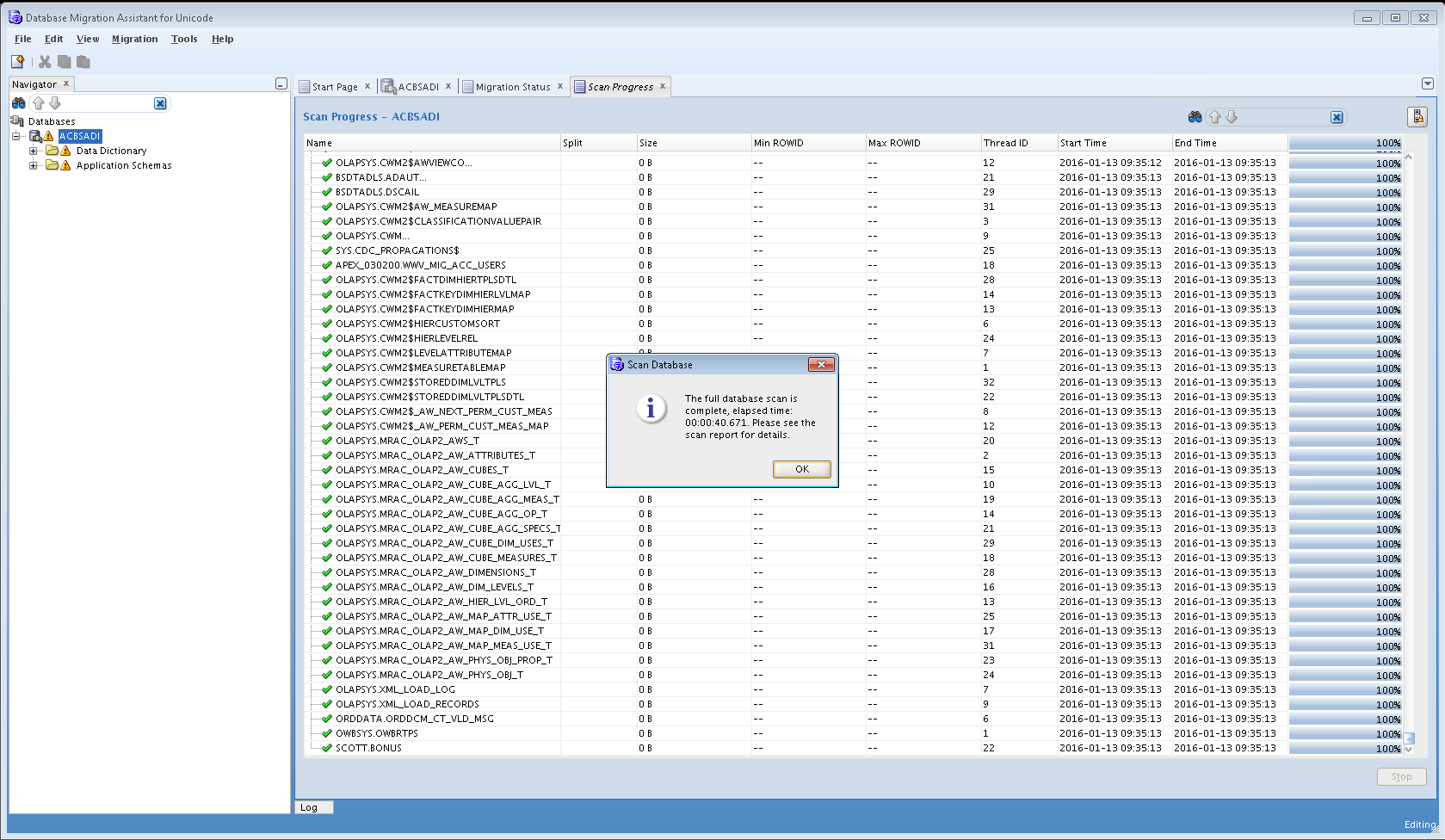
Wait till scanning completes then right click the connection name and choose “Database Scan Report”


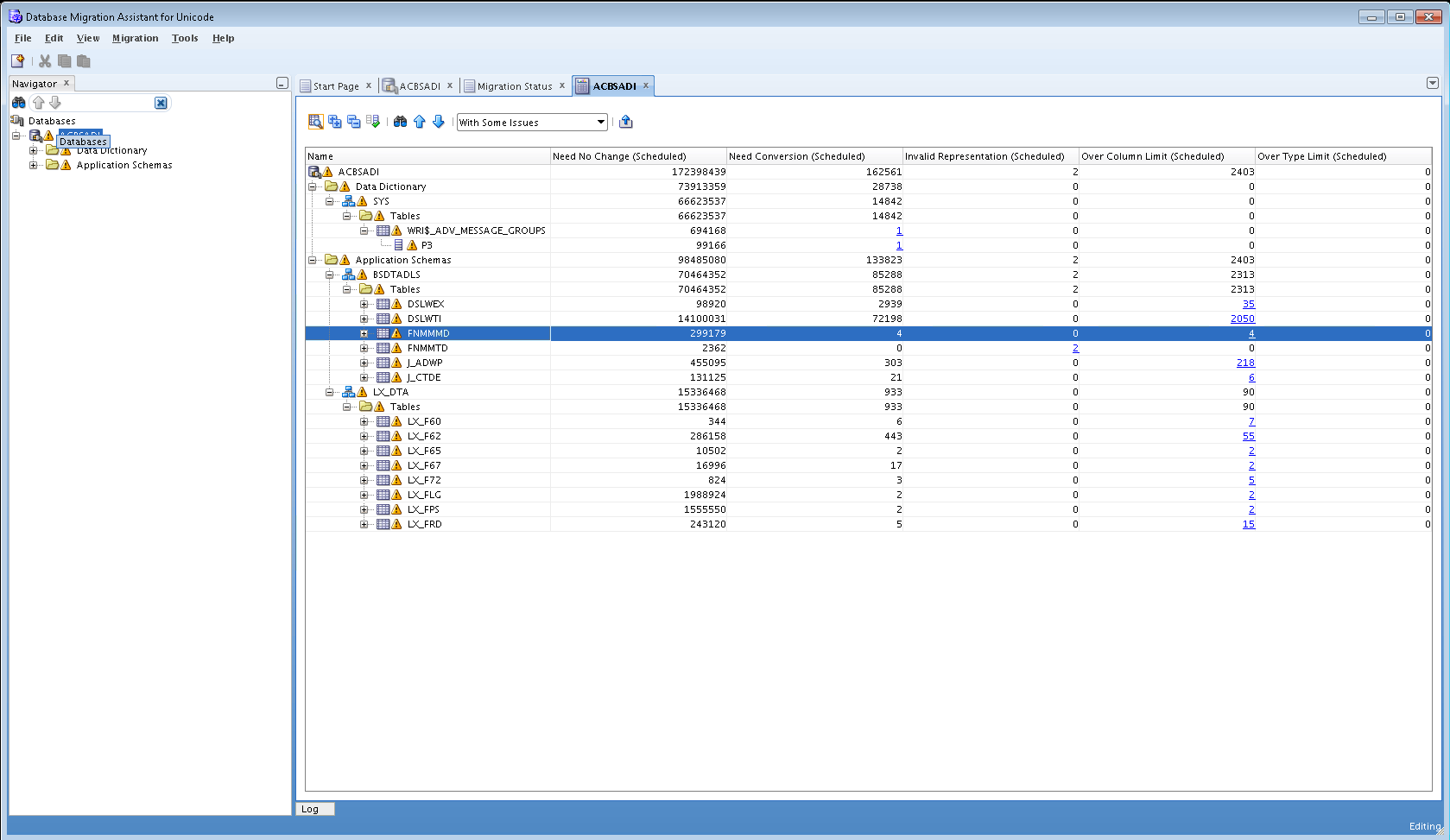
Once you get results, you need to tackle invalid representations & Over column limit issues.
For invalid representations, you will need to right click a table and choose “Cleansing Editor”. The characters with issues will appear as small squares. You can edit data so as to fix invalid representations.
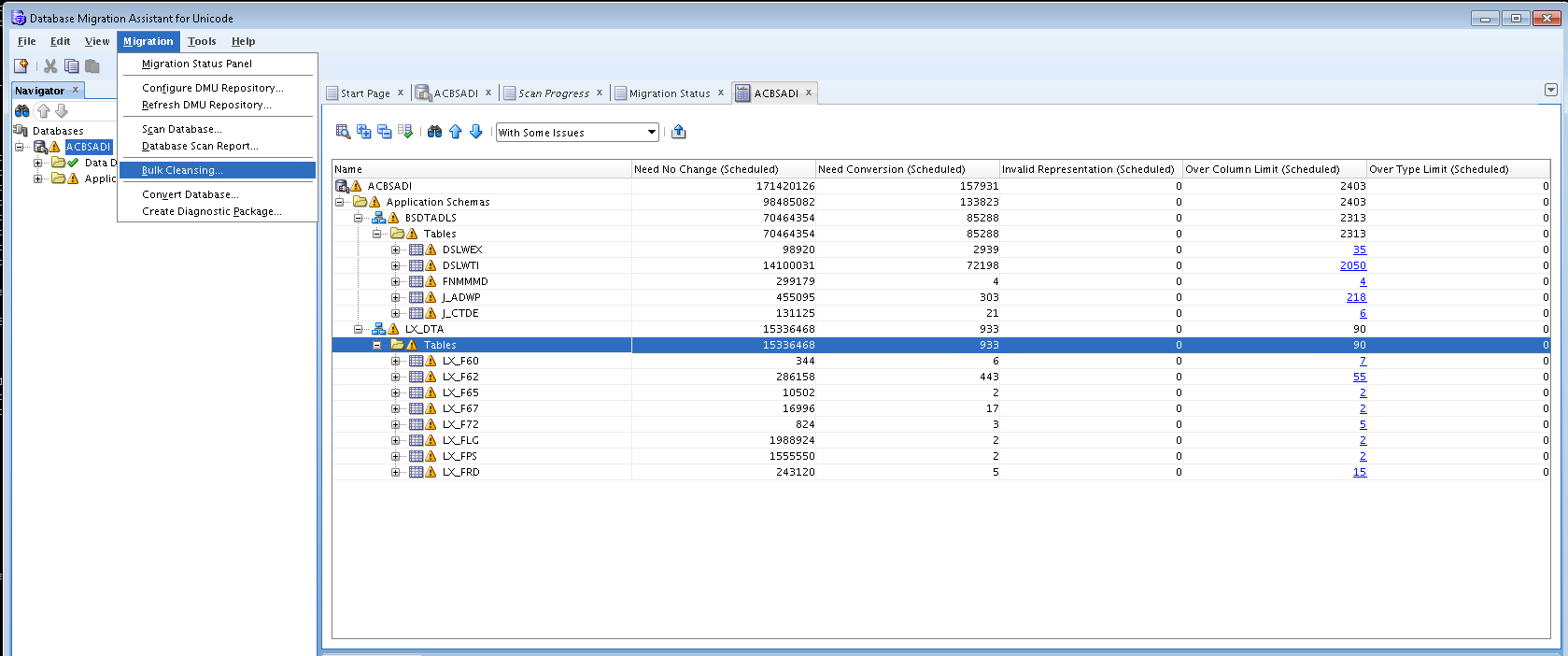
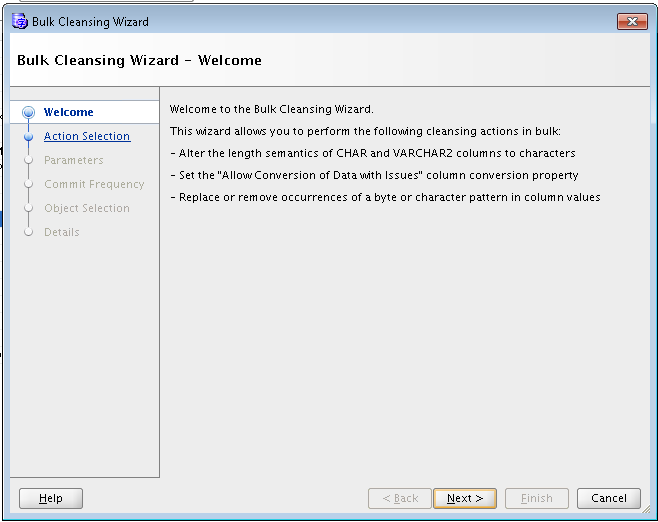
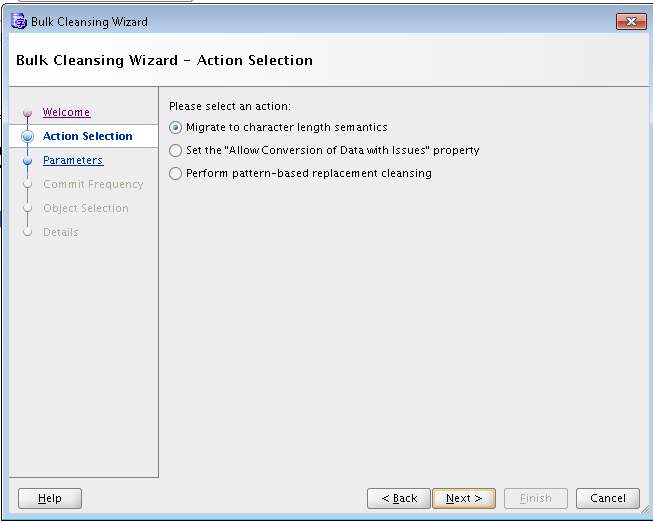
For over column limit, you will need to use bulk cleansing option as shown below:
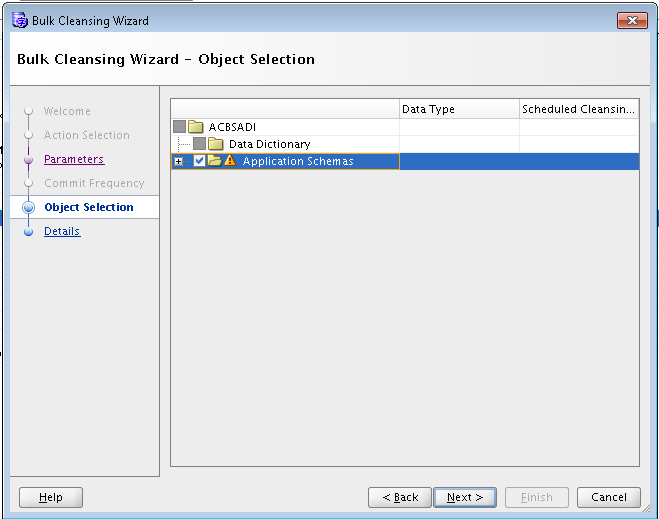
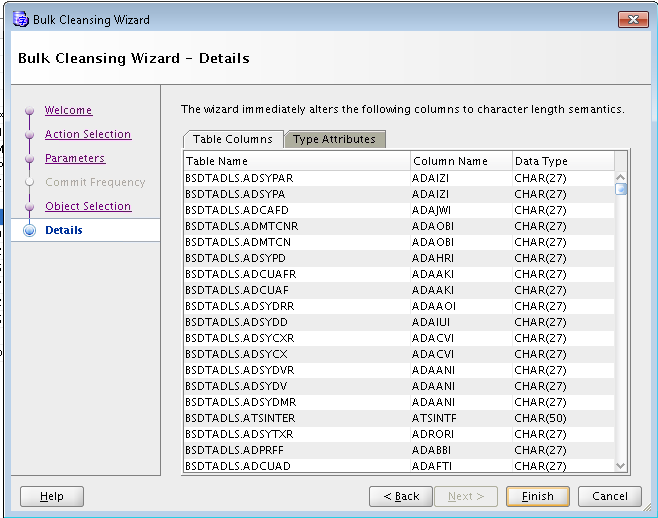
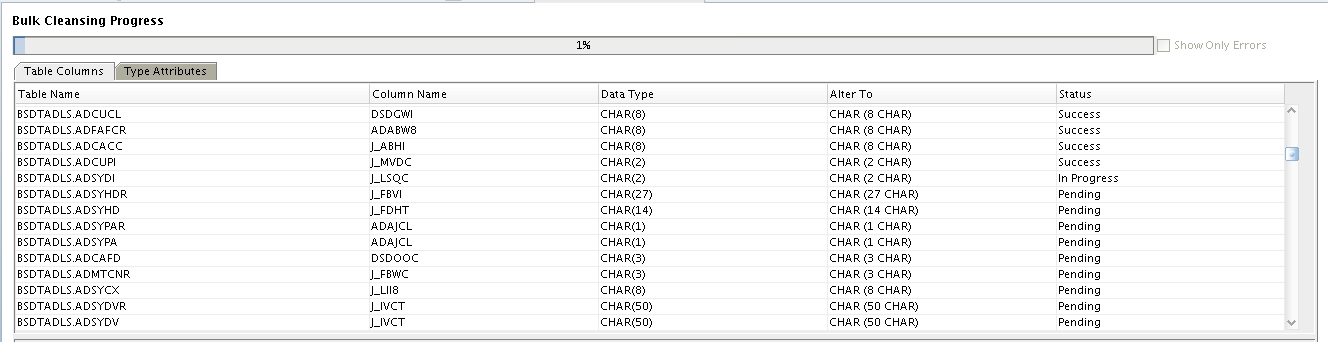
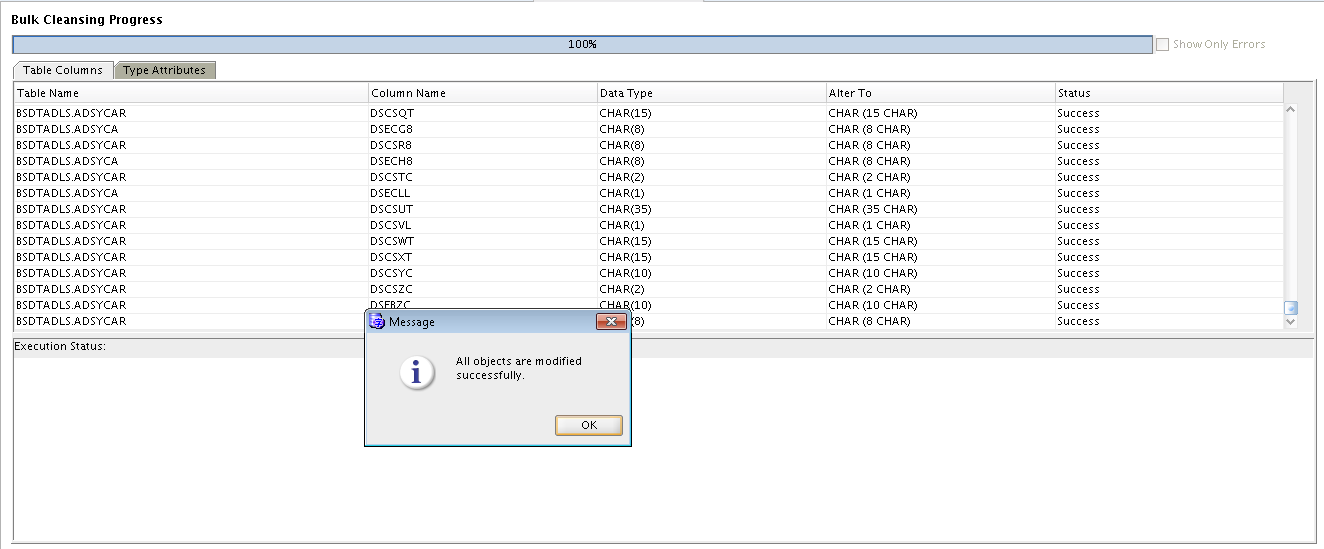
Now you will notice no migration issues observed after scanning database.

Now your database is ready for characterset migration:-)
Done!!!!!!!!!!
Hope so u will find this post very useful 🙂
Cheers
Regards,
Adityanath


 Adityanath's Database & Cloud Blog
Leave a reply to Dominic Theisen Cancel reply